
How to Register at CashBox Casino in Three Steps
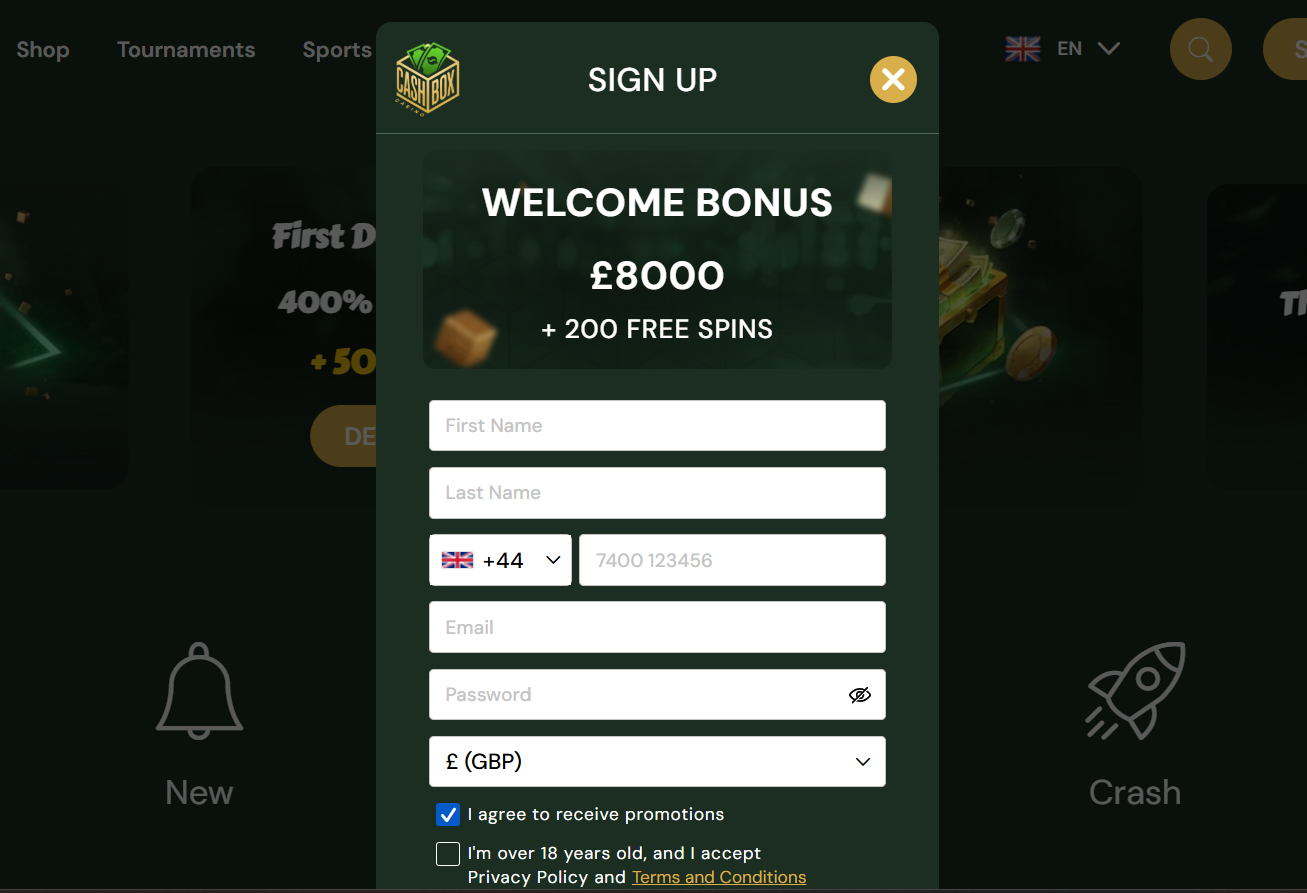
The CashBox Casino registration form is broken into three short screens. UK players need a valid email address, a phone number for optional two-factor authentication, and government-issued ID on hand for later KYC verification. The full sign-up sequence starts from the "Join Now" button on the CashBox homepage.
Step 1: Fill In Personal Details
The first CashBox Casino registration screen collects the essentials — email, chosen password, full legal name matching the ID that will be used at KYC, date of birth (must be 18 or over), postal address and mobile number. The password field requires at least eight characters mixing letters and numbers. UK players are asked to confirm the CashBox address matches a recent utility bill or bank statement, since this is cross-checked at verification. Ticking agreement to the T&Cs and privacy policy is compulsory before the form will advance to the next screen.
Step 2: Verify the Email Address
CashBox Casino sends a confirmation email within a minute of the first screen being submitted. Clicking the verification link inside that email activates the CashBox account and logs the browser session in for the first time. If the confirmation email does not arrive within five minutes, checking spam and promotions folders is worthwhile; players can also re-trigger the CashBox verification email from the account menu without restarting the entire sign-up flow.
Step 3: Deposit and Claim the Welcome Offer
The third screen opens the CashBox cashier. Players pick a payment method, enter the welcome code CBX1 in the dedicated field, and deposit £10 or more to unlock the first tier of the 400% CashBox Casino welcome package. Skipping the code at this stage means the bonus cannot be applied retroactively, so double-checking the field before pressing "Confirm" matters. Full wagering rules, tier structure and current CashBox bonus codes sit on the dedicated CashBox bonus page.
Account Verification (KYC) at CashBox Casino
Every CashBox Casino player must clear Know-Your-Customer verification before the first withdrawal. Starting the KYC process directly after registration — rather than at cash-out time — is the single most useful step UK players can take to keep the first payout on schedule. The CashBox KYC overview typically takes 24 to 72 hours once all documents are on file, and any mismatch between the CashBox account details and the uploaded ID will restart the clock.
Two document types are always required, with a third occasionally requested for larger CashBox withdrawals or unusual account activity. All uploads happen inside the CashBox account portal, and images should be full colour, uncropped and legible on every corner of the document.
Documents Required for CashBox Verification
- Proof of identity: passport, UK driving licence or national ID card showing name, date of birth, photo and expiry date clearly.
- Proof of address: utility bill, bank statement or council tax letter no older than three months, with the address matching the CashBox registration entry exactly.
- Source of funds (when requested): recent payslip, tax return or bank statement showing the origin of funds used to deposit at CashBox Casino.
CashBox Casino Login and Biometric Access
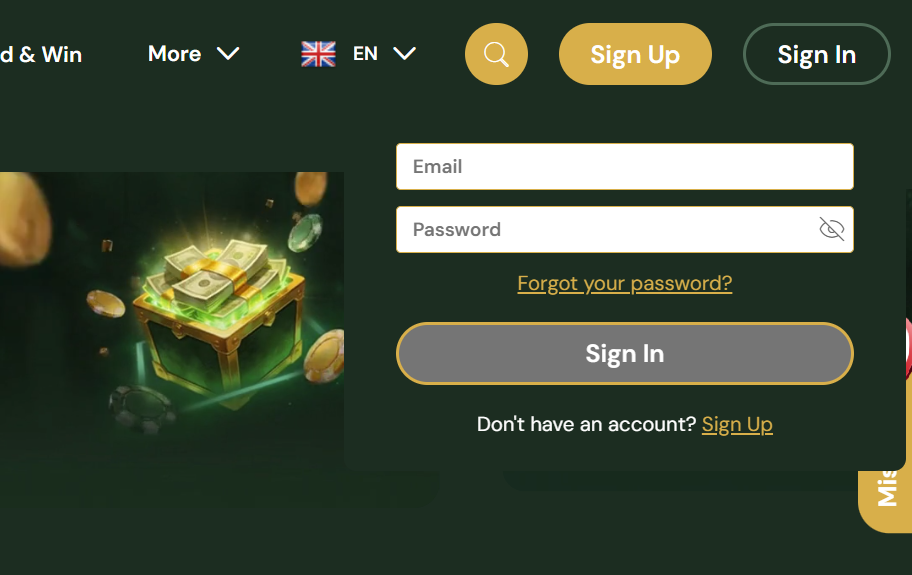
Returning UK players sign into CashBox Casino from the "Login" button in the top-right corner of every page, entering the registered email and password. On the CashBox mobile app, Face ID, Touch ID and Android biometrics allow one-tap sign-in after the first successful login, which is both faster and more secure than typing a password on a public network. Sessions expire after a period of inactivity, and re-authentication is required before any withdrawal.
Resetting a CashBox Password
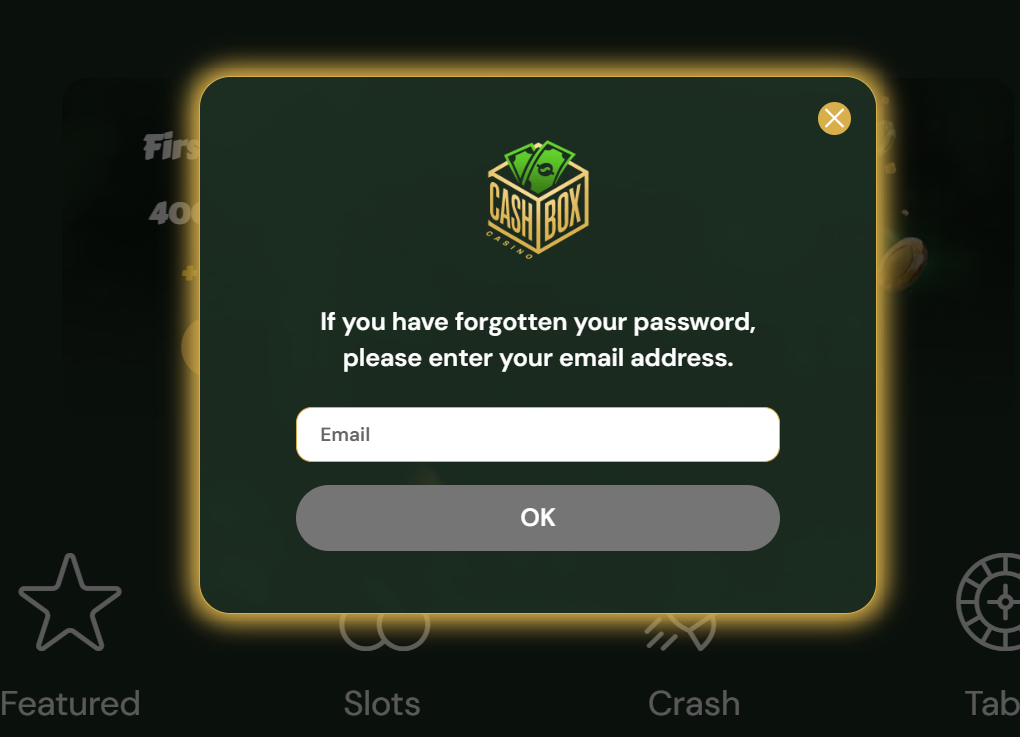
A forgotten password is reset through the "Forgot password?" link beneath the login prompt. CashBox sends a time-limited reset link to the registered email address; clicking it opens a form to set a new password meeting the complexity rules. If the reset message does not arrive, the spam folder should be checked before contacting live chat. After several failed login attempts a CashBox account locks briefly as a security measure, clearing automatically after a short wait or immediately once the password is reset.
| CRITERION | CASHBOX | CASINACHO ★ |
|---|---|---|
| Game catalogue | 6,000+ titles | 7,500+ titles |
| Live casino | Live dealer tables | 400+ Evolution tables |
| Welcome offer | 400% up to £2,500 + 200 FS | £3,000 + 200 spins |
| Bonus wagering | 25-35x wagering | Lighter requirements |
| Crypto payouts | Cards & crypto | Fast crypto payouts |
| Sports betting | Full sportsbook | Casino-focused |
Common Registration and Login Issues
Most CashBox sign-up snags fall into a few recognisable patterns, resolved without contacting support in most cases:
- Verification email missing — check spam and promotions, then re-trigger it from the account menu
- Welcome code not applied — CBX1 must be entered before the first deposit confirms; it cannot be added afterward
- Password rejected — use at least eight characters mixing letters and numbers
- Account locked — wait a few minutes after repeated failed attempts, or reset the password directly
- KYC restart — ensure the address on documents exactly matches the CashBox registration entry
The wider platform overview and licensing background sit on the main CashBox Casino page, and mobile access is covered on the CashBox app page.